
Contact support
Email Fluent support or book a session, find out when to ask your agency instead, and send what support needs to help you.
What you'll learn
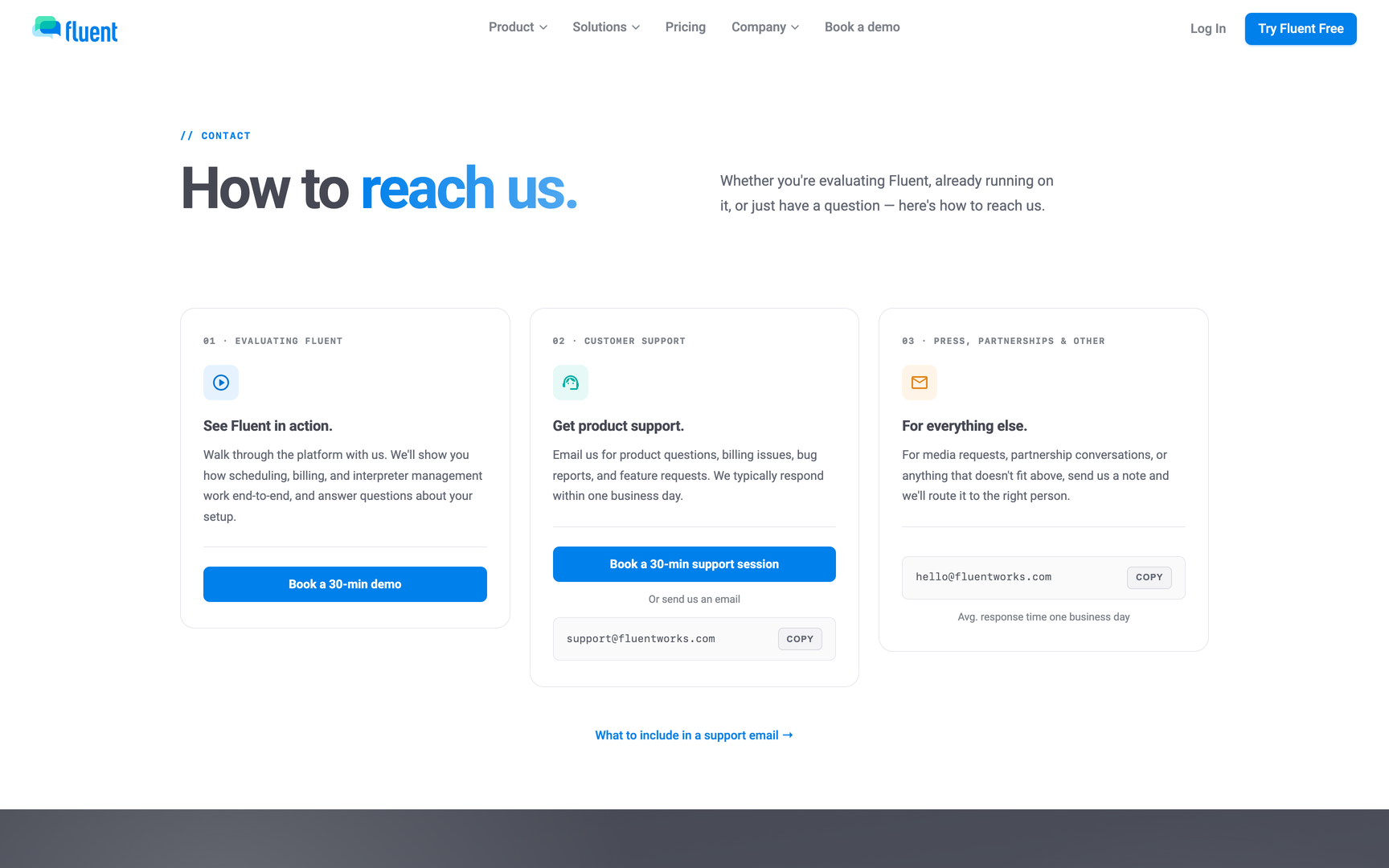
- How to reach Fluent support, what to include so we can help quickly, and when to ask your agency first.
Who to contact first
Your agency answers most questions about your own work in Fluent, because it runs your appointments and pay. Write to us when the question is about Fluent itself.
| You are | Your question | Contact |
|---|---|---|
| An interpreter | An appointment, an offer, a voucher, or pay | Your agency |
| An organization team member | A request, its interpreter, or an invoice | Your agency |
| An agency team member | Your role, an invite, or your access | The Owner, an Admin, or a Manager at your agency |
| An agency team member, not the Owner | Your agency's Fluent subscription | Your agency's Owner |
| Your agency's Owner | Your agency's Fluent subscription | Fluent support |
| Anyone | How Fluent works, or something that looks broken | Fluent support |
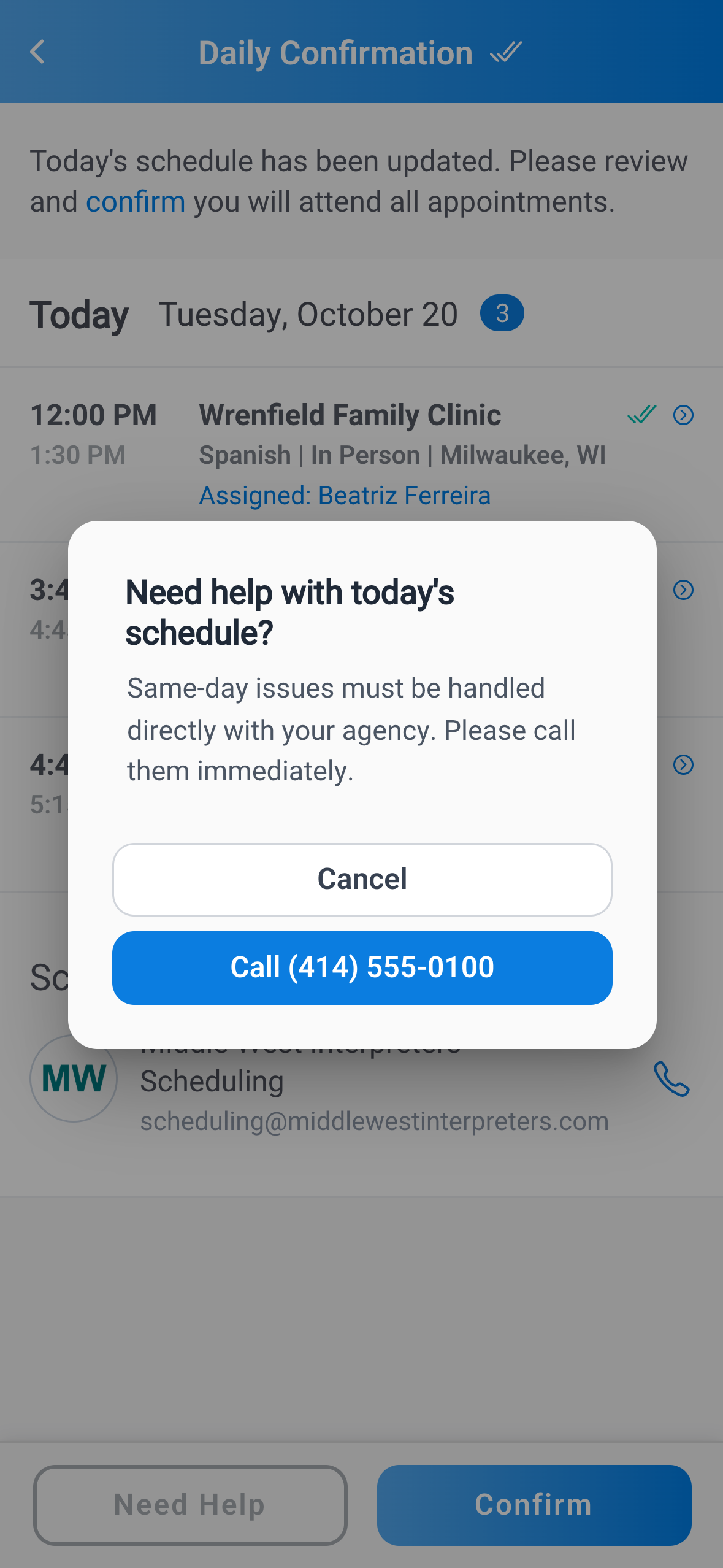
- An interpreter with a problem in today's schedule: Tap Need Help on the Daily Confirmation screen in the Fluent mobile app. It offers to call your agency, or names who to contact when your agency has no phone number on file. See Confirm today's appointments.
- A "We'll be right back" screen: Fluent is down for scheduled maintenance. Click Try again in a few minutes.
- A sign-in message says to contact your administrator, your account owner, or support: Troubleshoot sign-in says who to ask.
Email support
Email support@fluentworks.com with enough detail that we can find the problem on the first read. Include:
- Your sign-in email: The address you sign in to Fluent with.
- Your workspace: The name of your agency or organization.
- The record: The appointment number, the invoice number (such as INV-0003), or the pay run (such as PR-42).
- Where it happened: The web app or the mobile app, and the device you used.
- The exact message: Copy it word for word, in quotes.
- What you did: The steps you took before it happened.
- A screenshot: Cover LEP client names and any other patient health information first.
Book a support session
If you'd rather talk a question through than write it, book a 30-minute support session with us.
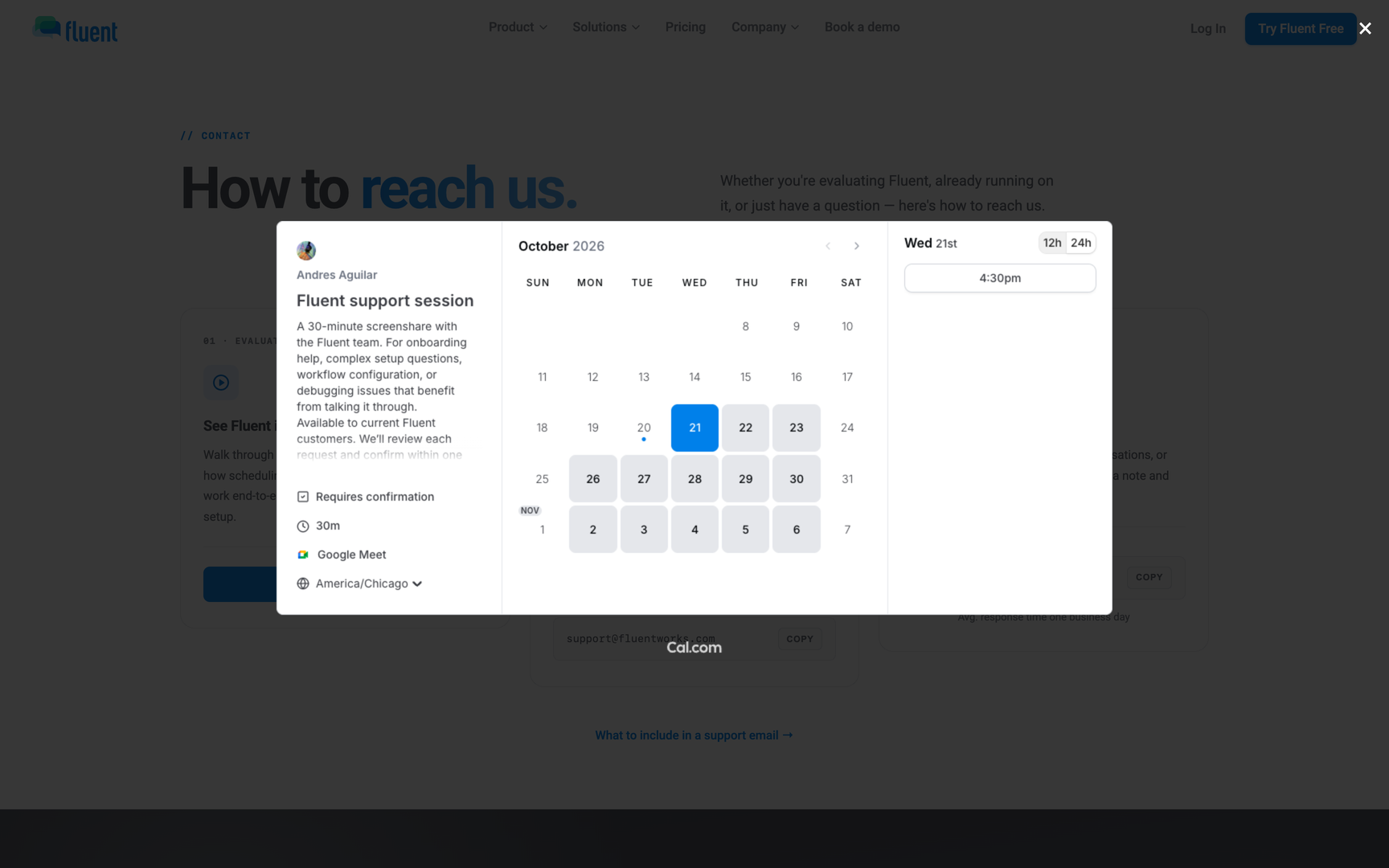
- Go to fluentworks.com/contact.
- In the Get product support card, click Book a 30-min support session.
- In the calendar, select a day and a time, then confirm the booking.
Support hours and response times
We answer Monday to Friday, 8:00 AM to 6:00 PM Mountain Time, except U.S. federal holidays. Our first reply comes within the target for the problem's severity.
| Severity | What it means | First reply within |
|---|---|---|
| Severity 1 (Critical) | Fluent or a major function is down | 1 business hour |
| Severity 2 (High) | A major function is degraded for many users | 4 business hours |
| Severity 3 (Medium) | A smaller function is impaired, with a workaround | 1 business day |
| Severity 4 (Low) | A minor or cosmetic issue, or a question | 2 business days |
These targets aren't guaranteed unless your order includes an SLA.
If you aren't satisfied with our reply, email escalations@fluentworks.com, or ask us to escalate it in the same conversation. The full terms are in the Support and Service Level Policy at fluentworks.com/legal/support-policy.
Requests only Fluent support can handle
Some changes have no screen in Fluent, so no one at your agency can make them. Email us for these.
- Lost two-factor phone: If you're signed out everywhere and no longer have the phone, we clear your two-factor authentication, and you set it up again at your next sign-in. See Two-factor authentication.
- A new Owner: Only Fluent can make someone else the Owner of your agency or organization.
- A BAA after answering No: The app can't sign a BAA after your agency's Owner answers No to the patient health information question. Ask us to sign one. See HIPAA and the BAA.
- A missing language: Your agency can't add to Fluent's list of languages and dialects. Tell us the language or dialect you need.
Report a security issue
If you think someone got into your account or your agency's data, report it to our security team.
- Email security@fluentworks.com with what you saw and when it happened.
- If you know someone got in or took data, start the subject line with
URGENT: SEV1 SECURITY INCIDENT.
Important: Don't include patient health information in the email.
- Someone signed in as you: Also follow the steps in Troubleshoot sign-in.
- Security reviews and documents: See the Trust Center at fluentworks.com/trust.
Rules and limits
- Support doesn't offer live chat, and it answers only in the hours above.
- In the web app, Settings › Help Center opens this help center.