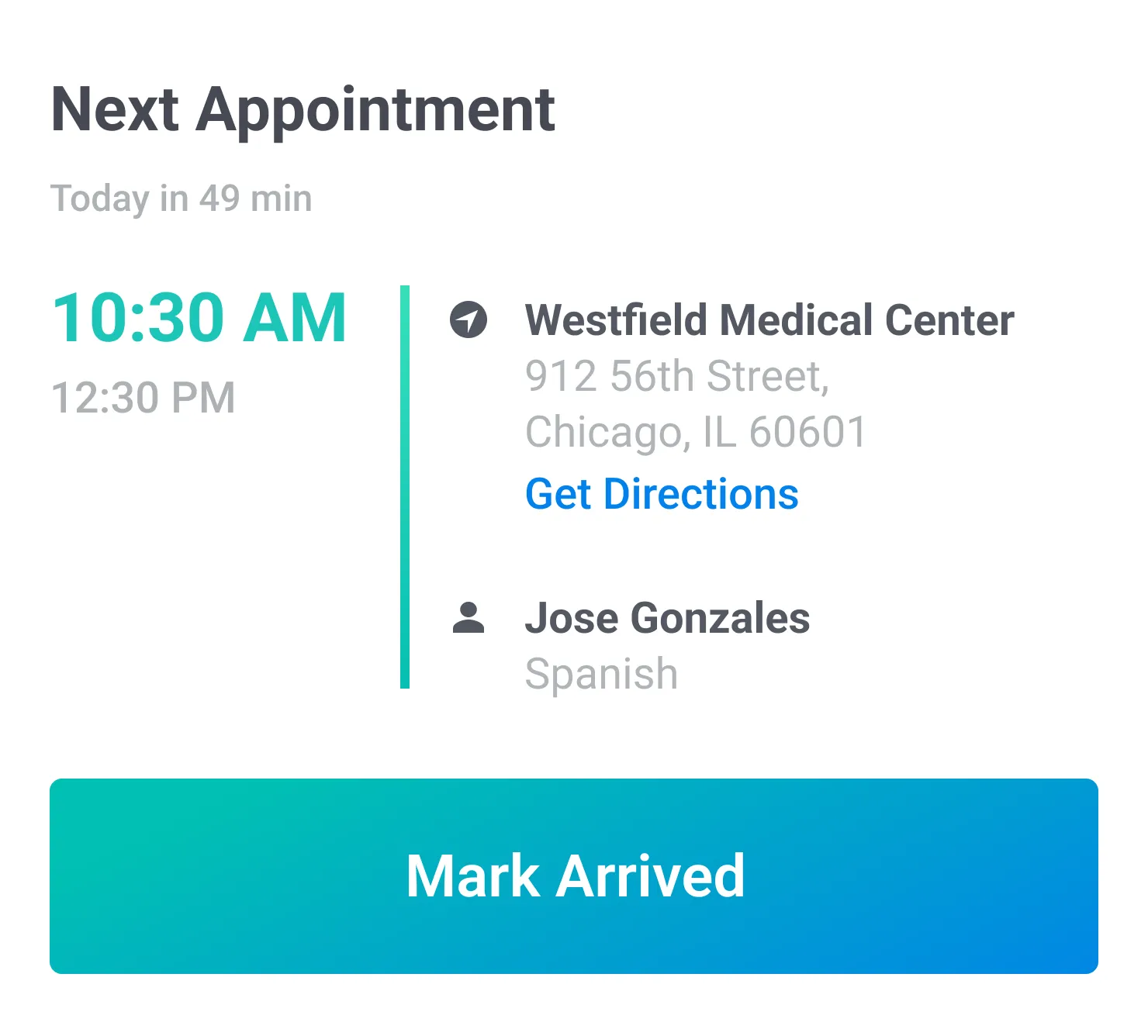
Next up
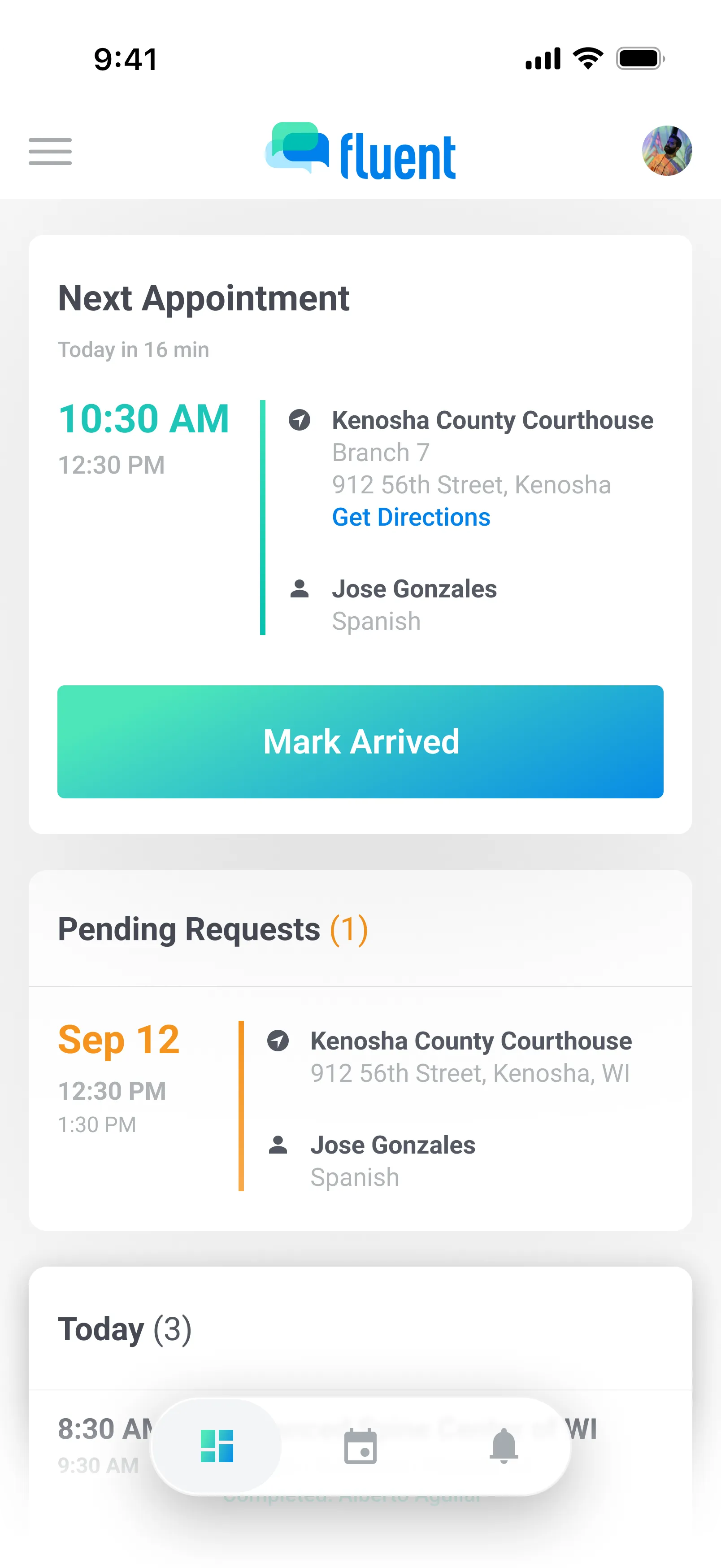
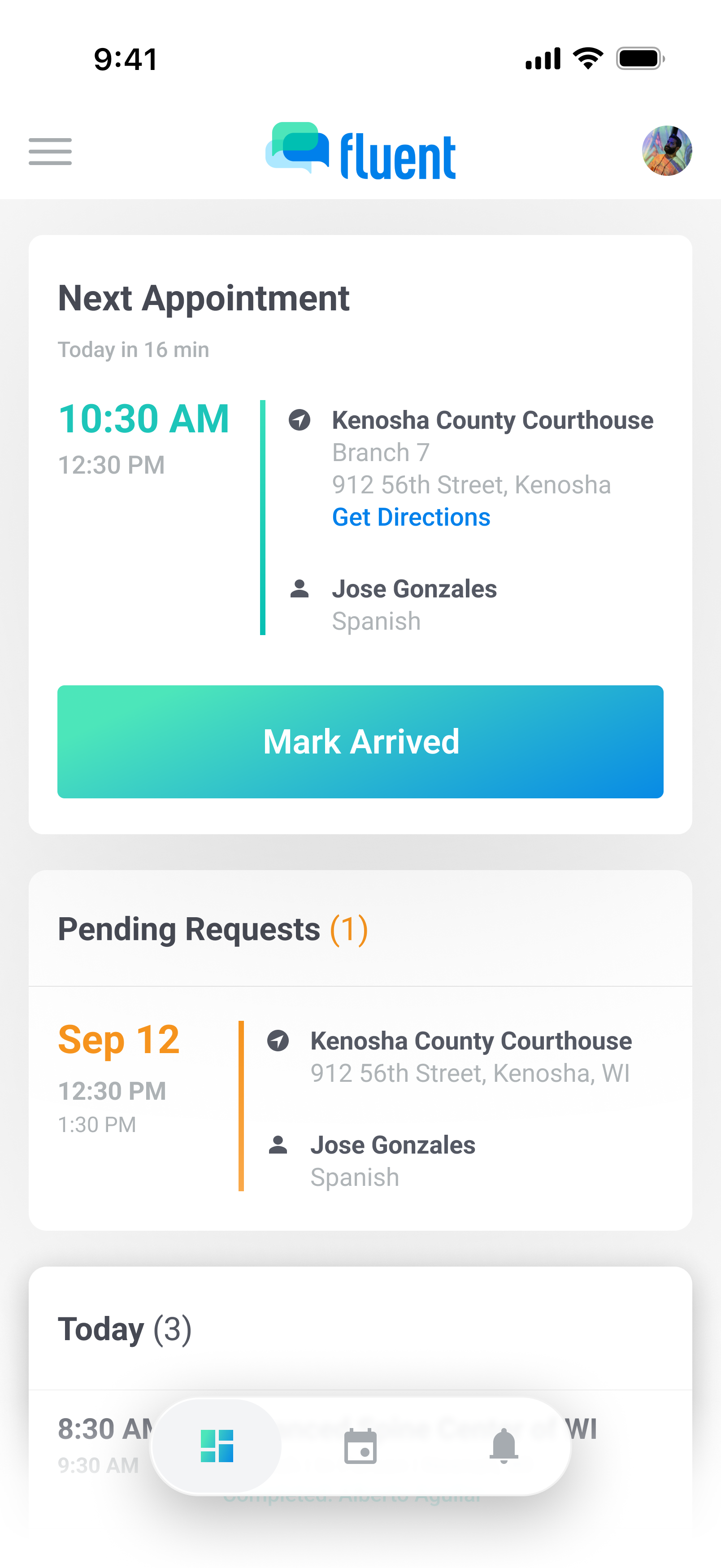
See your next appointment at a glance — with a countdown, location or meeting details, and one tap to mark arrived or join the call.

Fluent's mobile app gives interpreters a single place to manage their day — requests, confirmations, time tracking , and schedule updates — so you can focus on linguistics, not logistics.


The Fluent app is available for interpreters who are part of an agency or organization on Fluent. Your team will send you an invite to get started.
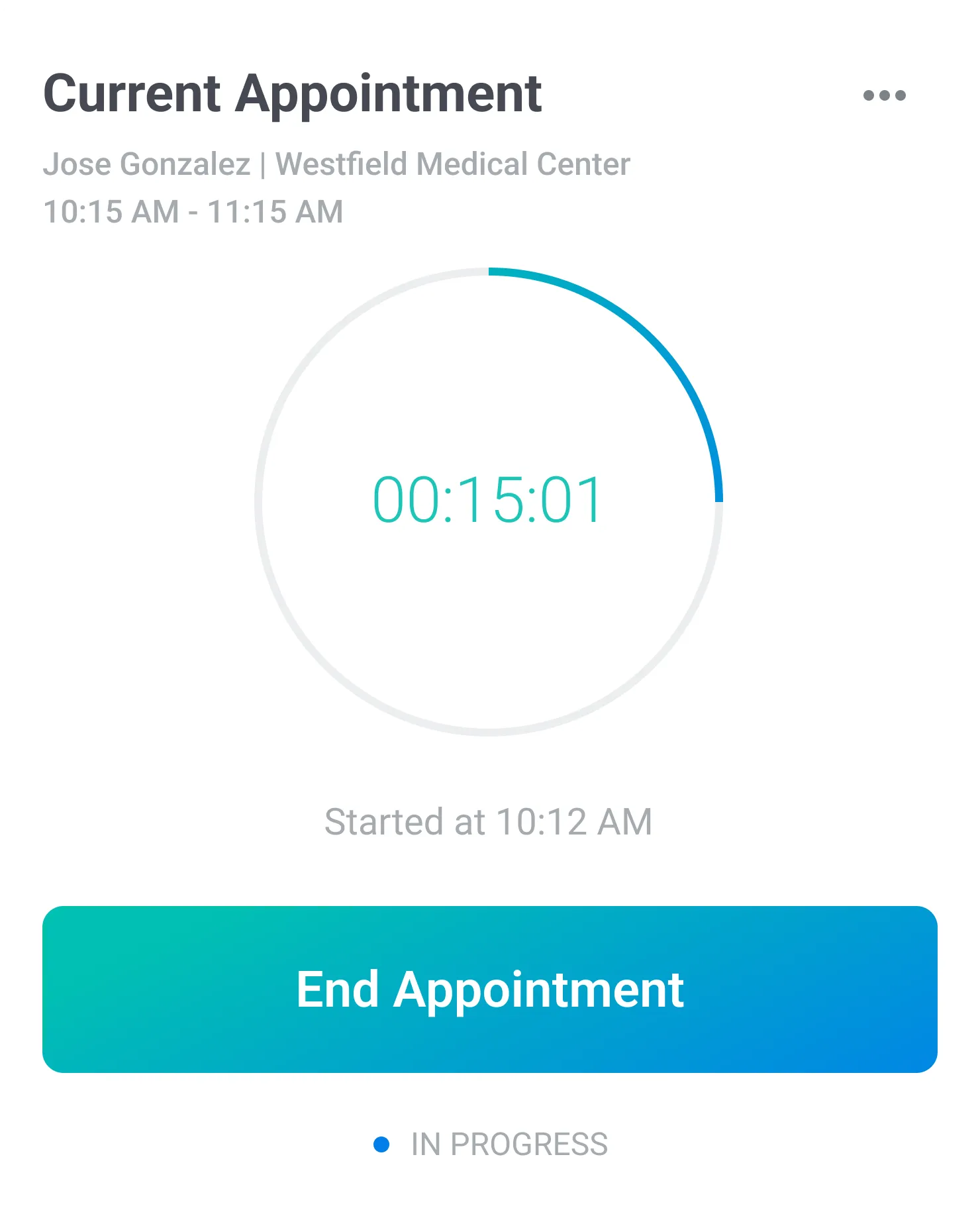
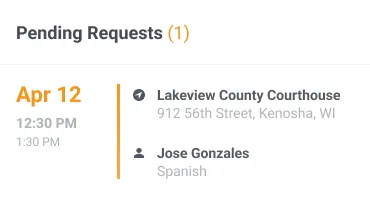
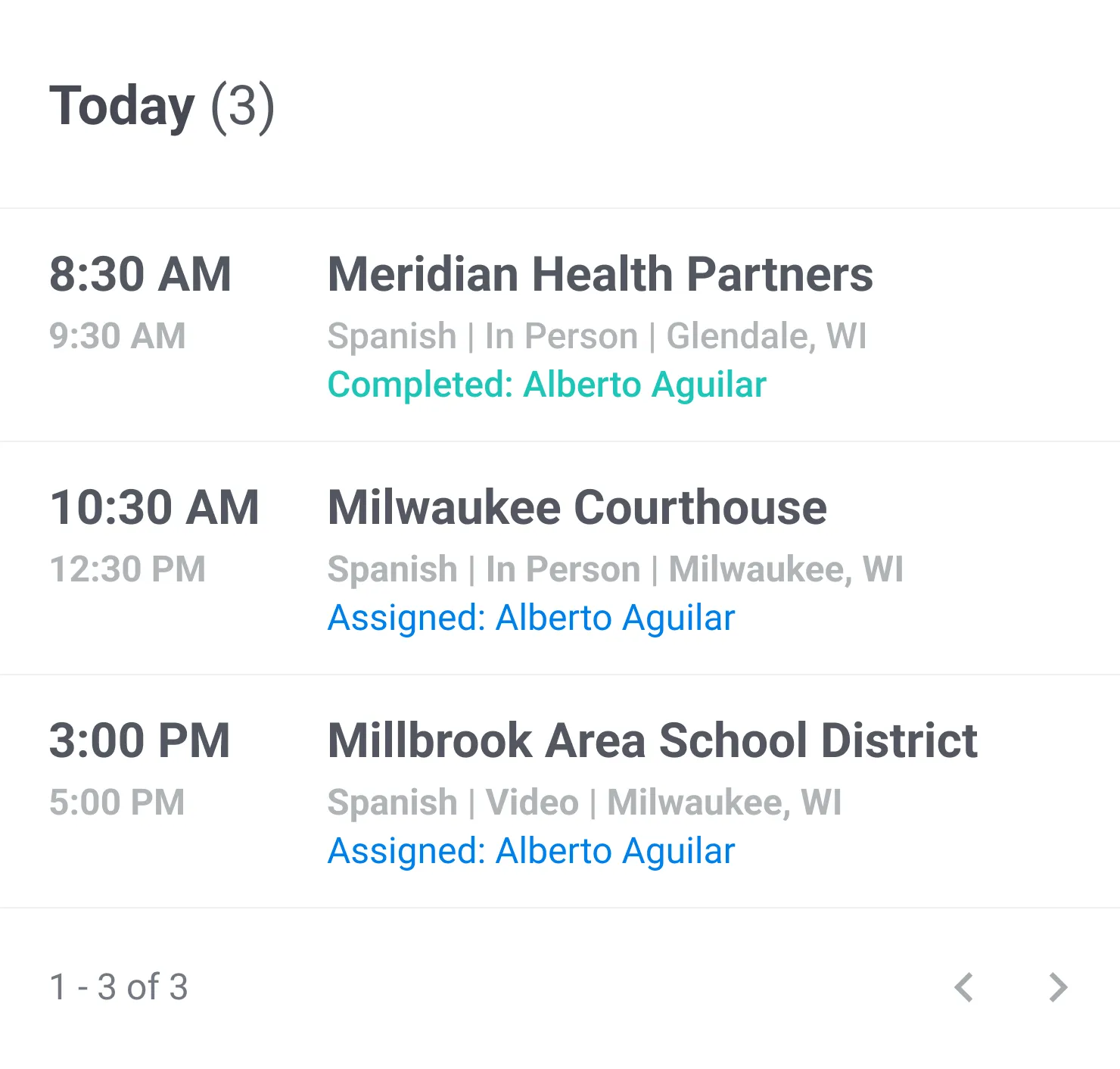
Your day at a glance. Pending requests, what's next, and what's in progress — no digging, just the next thing that needs your attention.
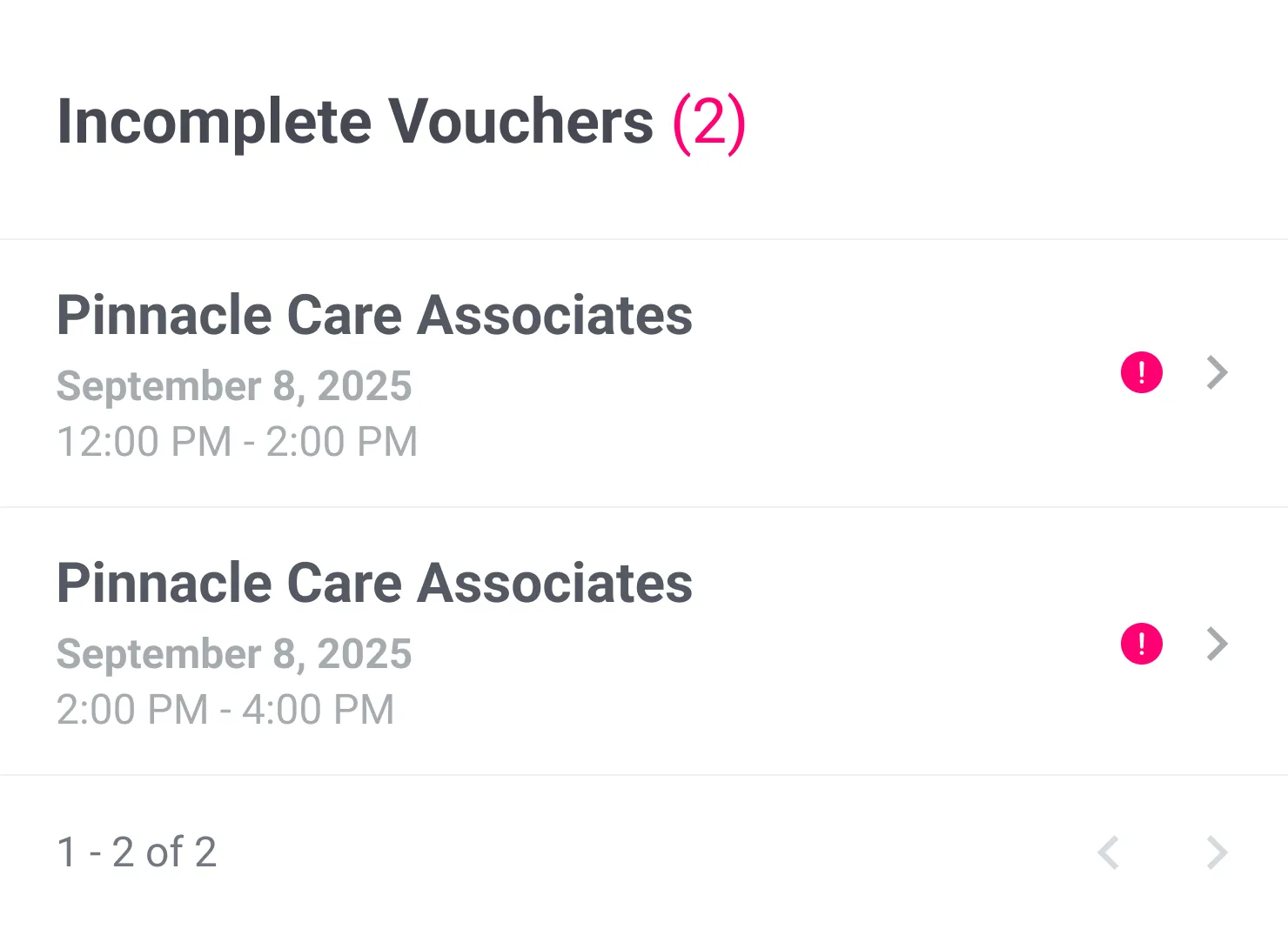
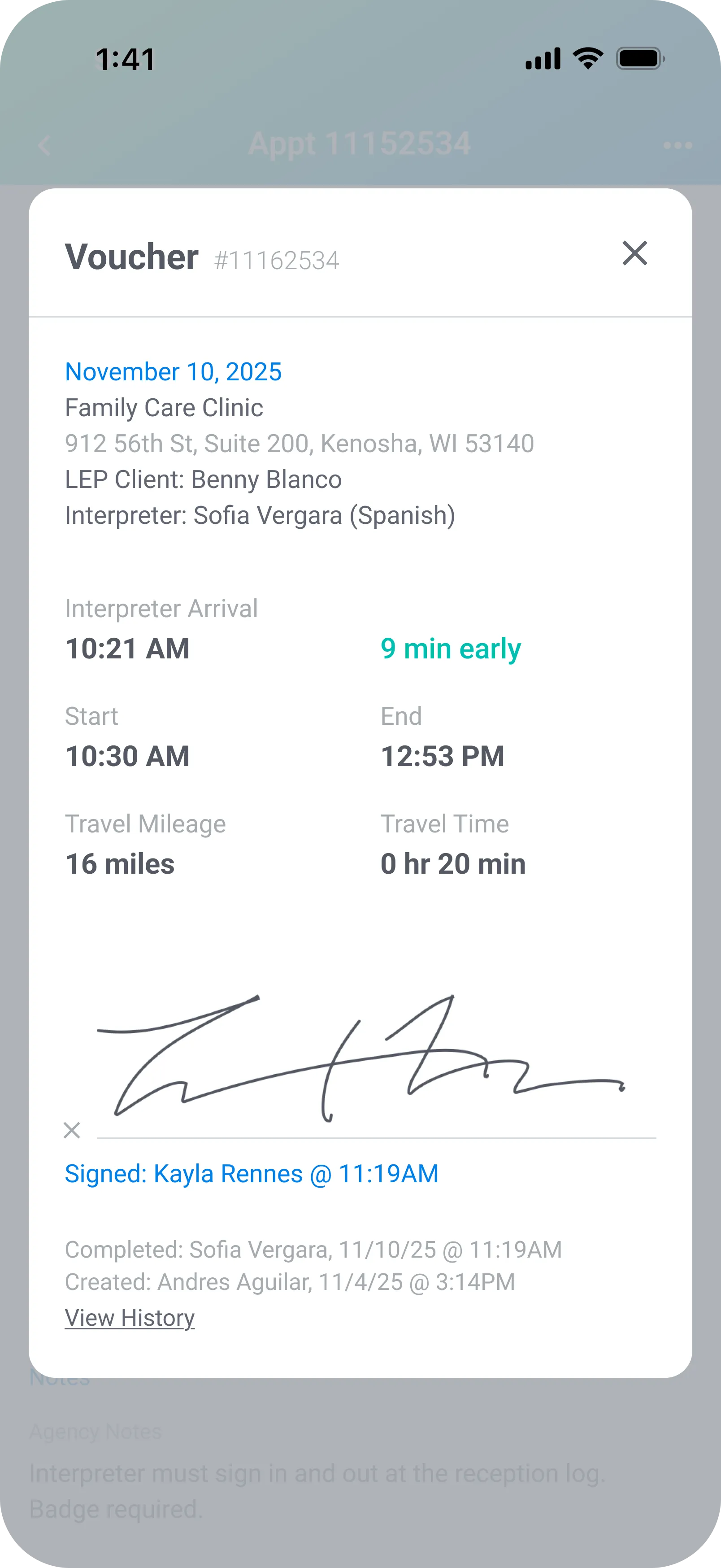
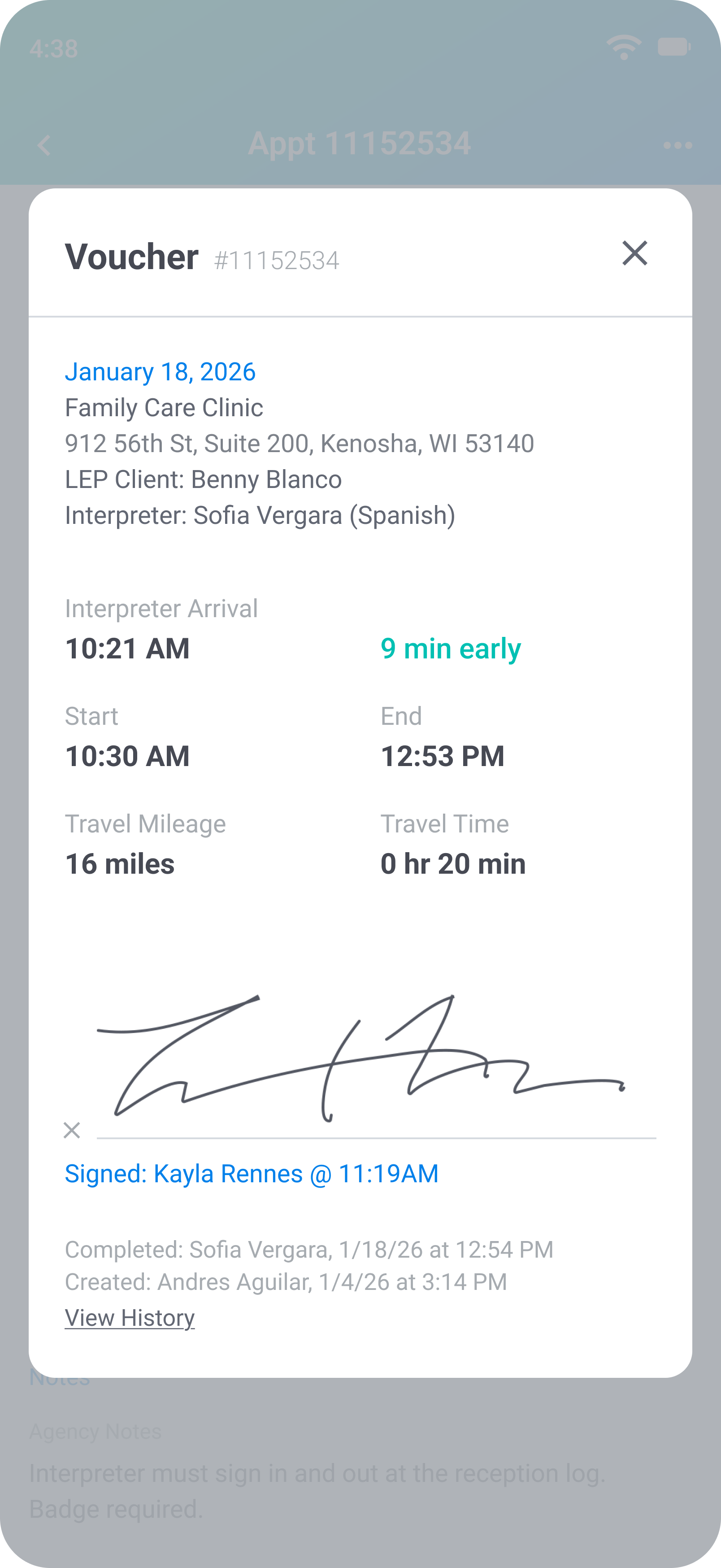
When an appointment ends, interpreters submit a voucher right from the app. Start time, end time, arrival time, mileage, and travel time — all pre-filled from the tracked session and editable if something needs adjusting. Staff signatures can be captured on the spot if required. No paper forms, no emails, no chasing.
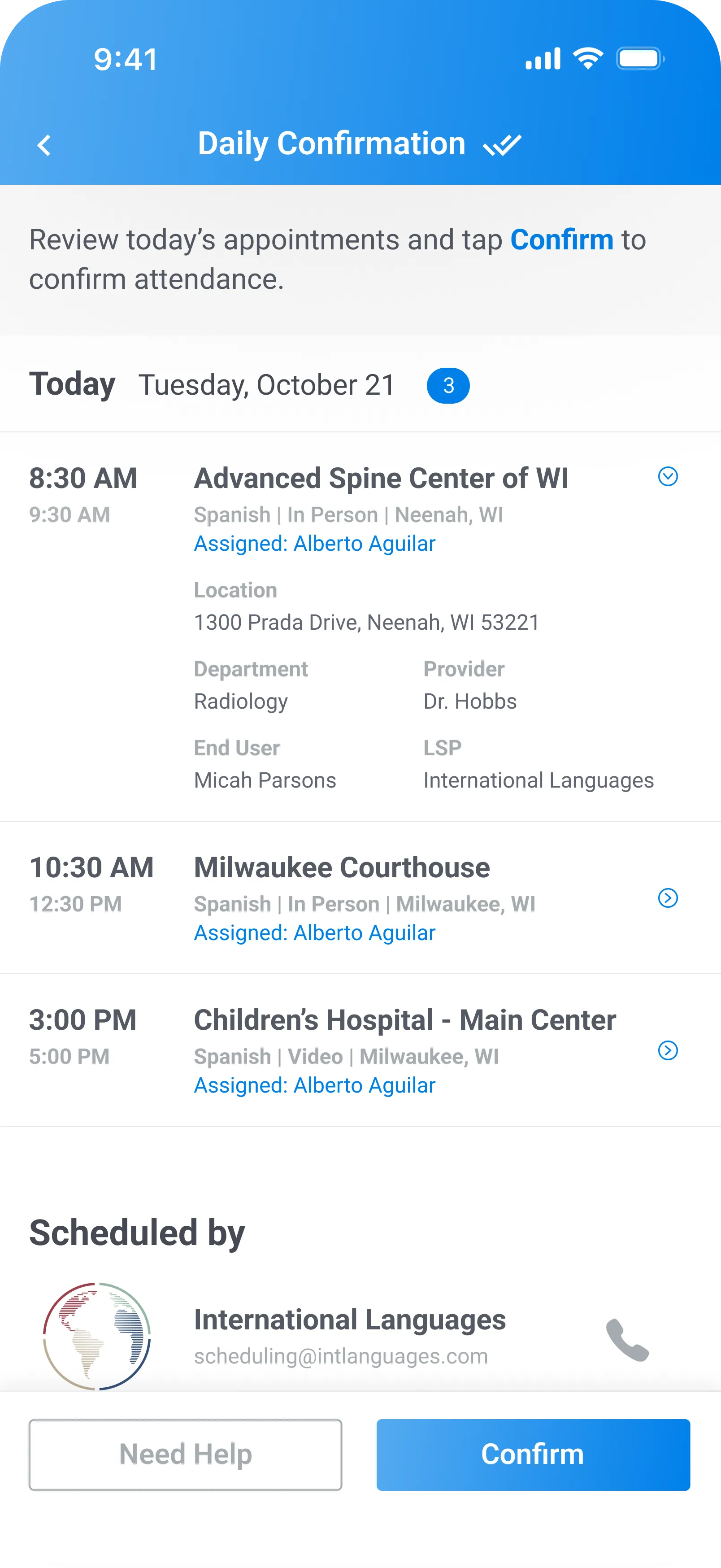
Each morning, interpreters see a confirmation screen before anything else — sent automatically so there's nothing for your team to manage. They review the day's schedule, confirm attendance, and any same-day changes are called out clearly. Simple, but one of the most effective features in the system.
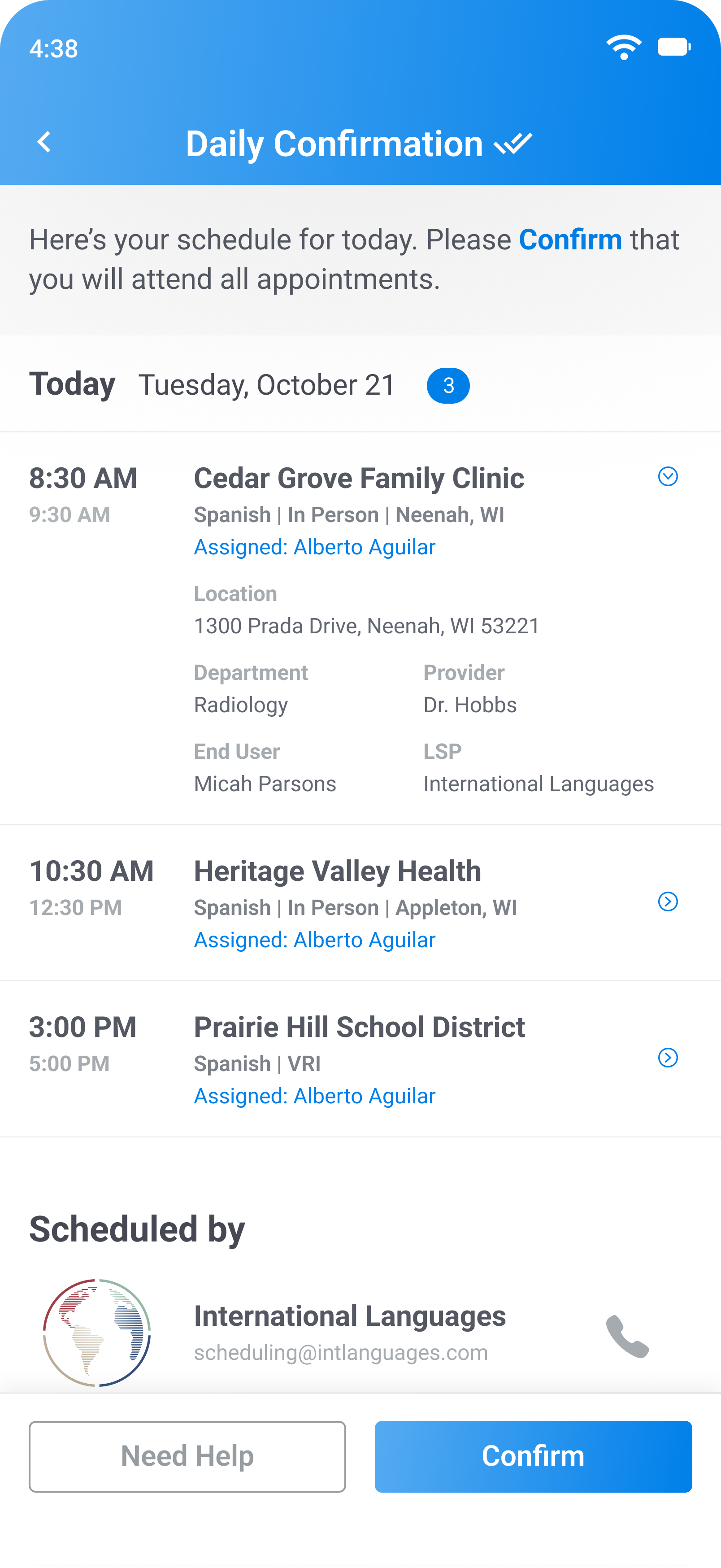
Spot gaps in coverage before they become no-shows
Schedulers can see who's confirmed and who still needs a nudge.
Same-day schedule changes are surfaced automatically
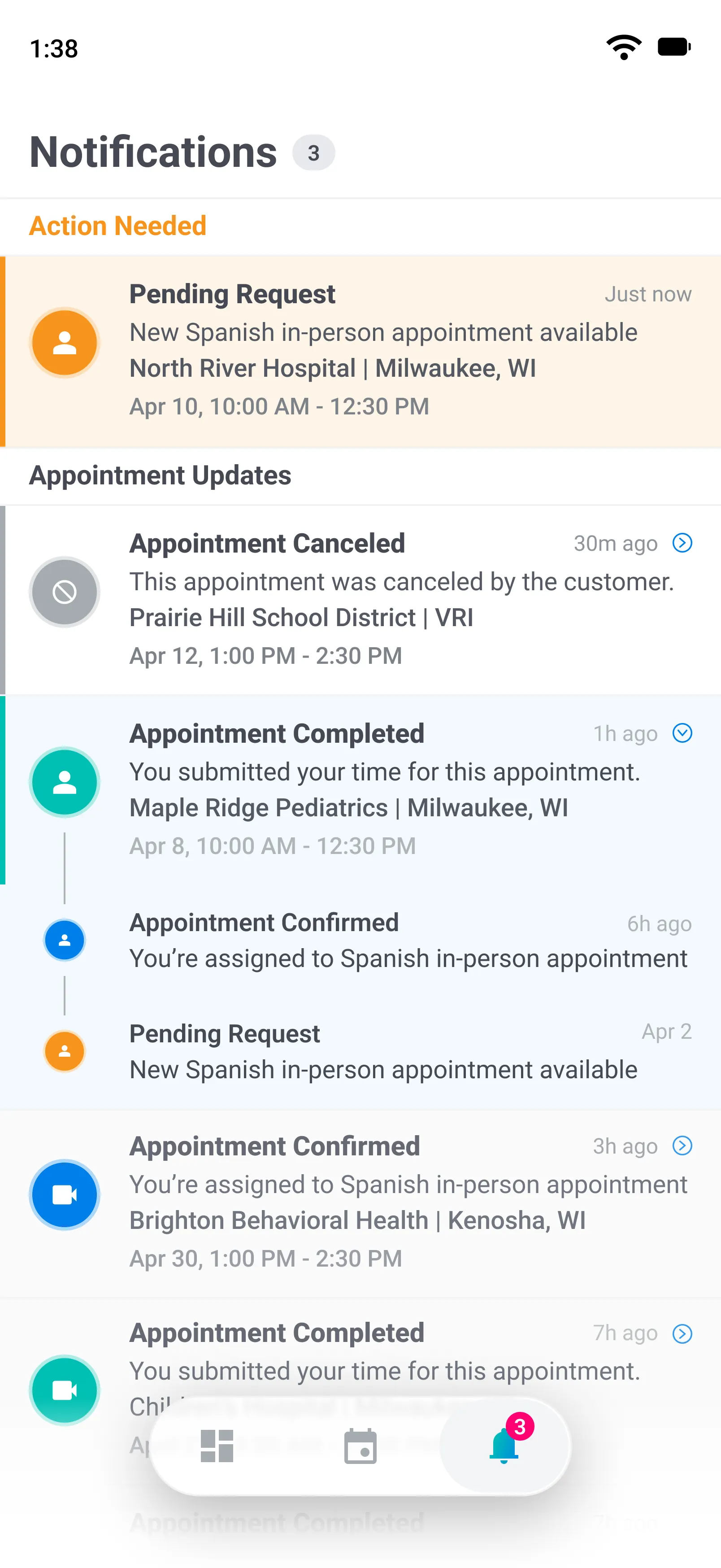
A lot can happen between an offer and a completed appointment. Fluent stacks notifications by appointment — so the latest update is always on top, and the full history is one tap away. Grouped into 'needs action' and 'appointment updates,' interpreters always know exactly what requires their attention.
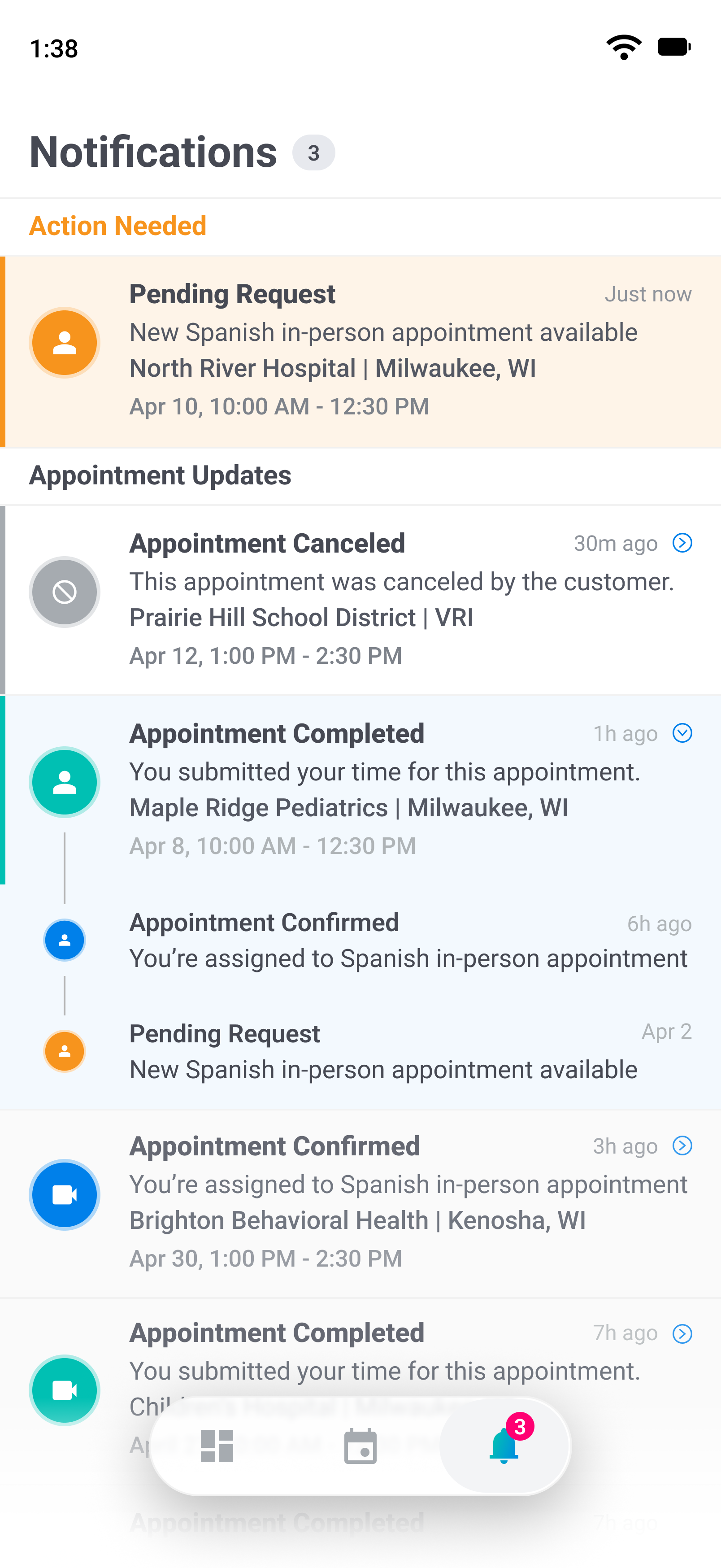
Delivered via push, in-app, and email so nothing gets missed
Tap any notification to see the full update history for that appointment
Less time following up. Updates happen automatically.
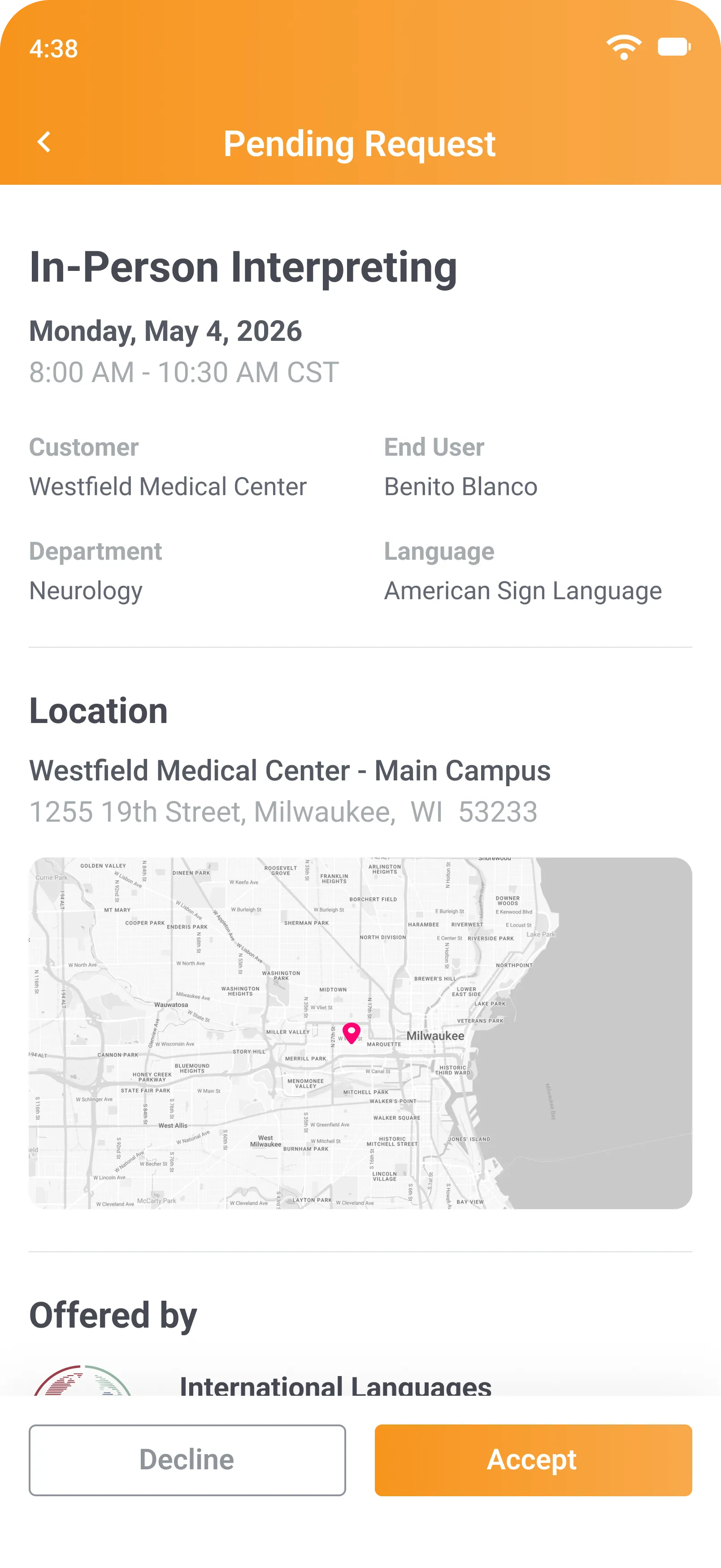
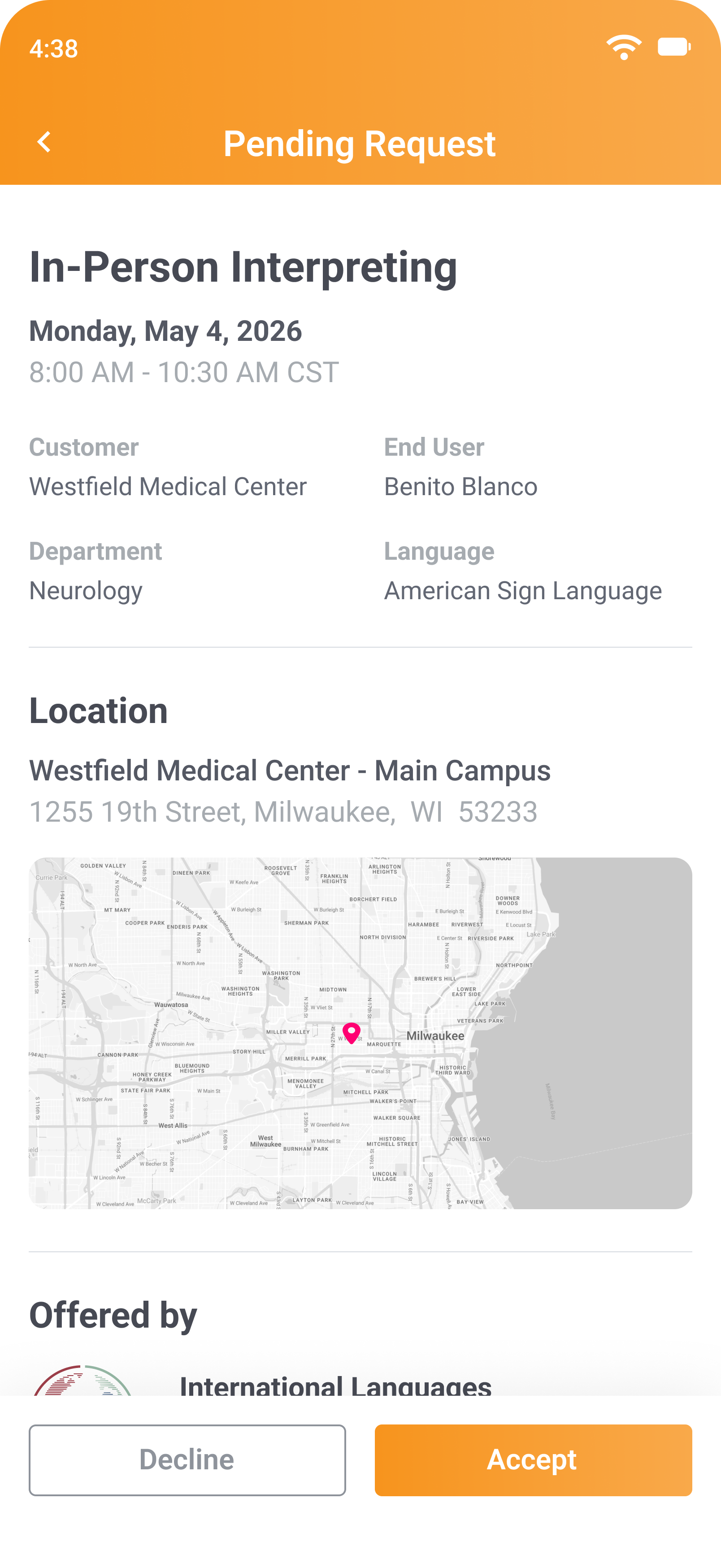
When an interpreter receives an offer, they get the full picture — language, service type, date, time, location, and any notes — so they can make a decision without back-and-forth. Accept or decline in one tap, with a confirmation notification to close the loop.
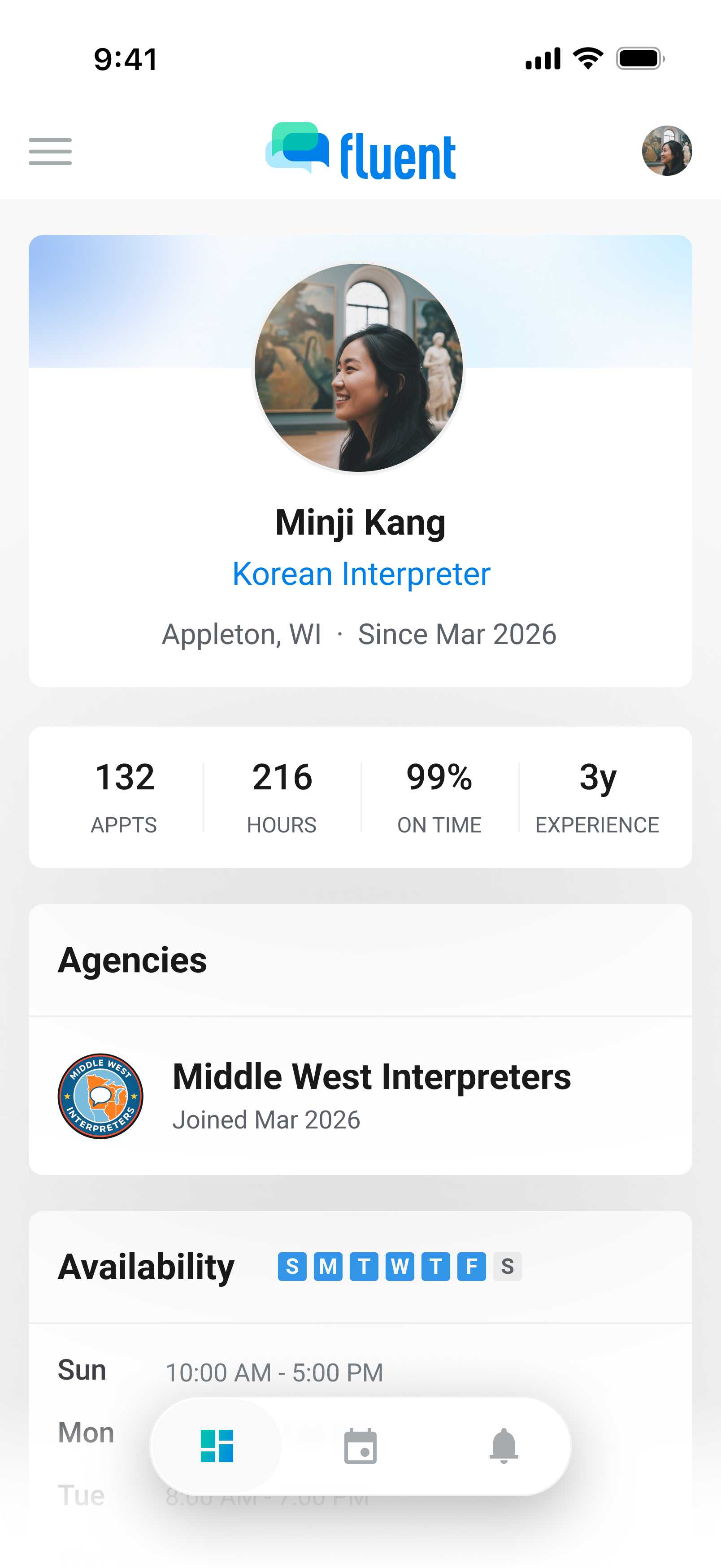
Interpreters keep their profile up to date directly in the app — contact info, availability, and account details are always in their hands. Credentials like certifications and language proficiency are agency-managed, but always visible to the interpreter.
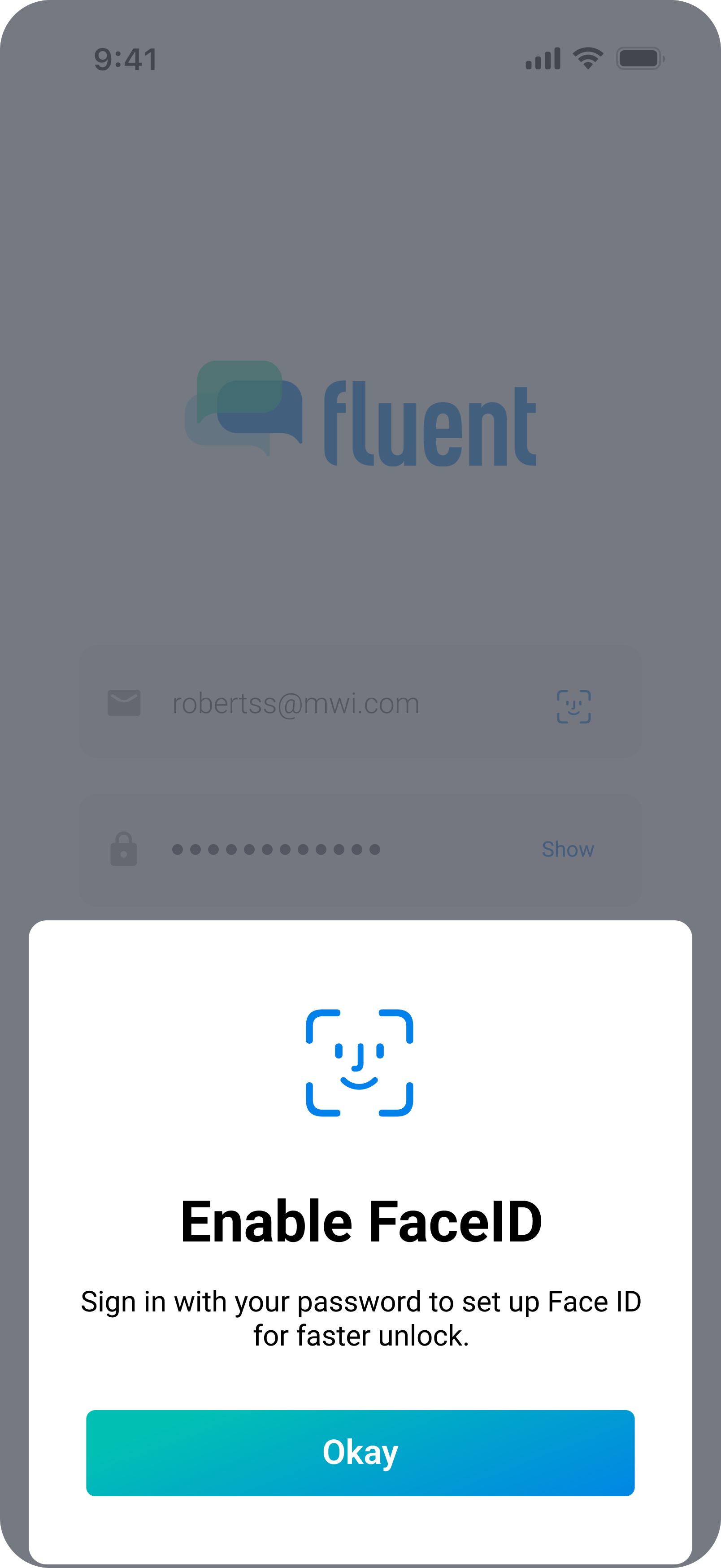
The app handles sensitive scheduling data, so security isn't optional. Biometric login (Face ID, Touch ID) for fast, secure access. Automatic session expiration after inactivity. Two-factor authentication required for all users, with complex password requirements. Passkey and SSO support coming soon.
The mobile app today is built for interpreters. But we're expanding it into a companion app for every Fluent user — schedulers, coordinators, and org staff included.
A full calendar experience — daily, weekly, and monthly views — so interpreters can navigate their schedule the way they want.
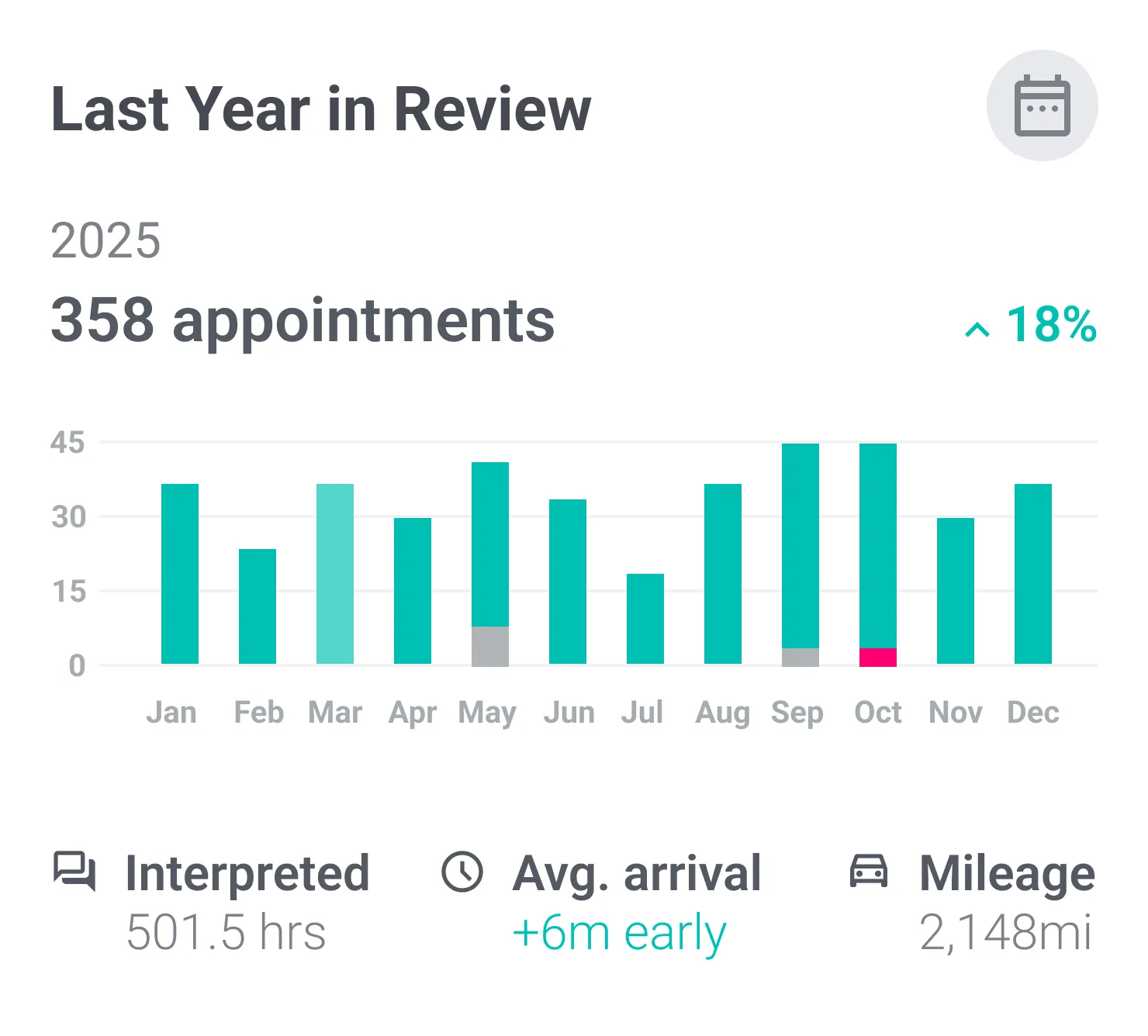
Pay statements in the app once they’re approved, with the voucher time and mileage behind each line.
The app is built for interpreters today, but we're bringing the mobile experience to agency and organization team members too — with schedule oversight, appointment updates, and reporting on the go.
See how Fluent's mobile app fits into your operation — from day one.
Ask the agency, right on the appointment.
Room changes, parking, who to ask for at the front desk: the conversation lives on the appointment, not in a text chain. Interpreters reply from the app, get a push when the agency answers, and only they and the agency can read it.
A thread on every appointment, open from the details or the Comments tab
A push when someone replies, with the text kept inside the app
Visible only to the interpreter and the agency