
How rate cards work
What customer, interpreter, and partner rate cards are, how Fluent uses them to price invoices and pay, and the order to set them up in.
What a rate card is
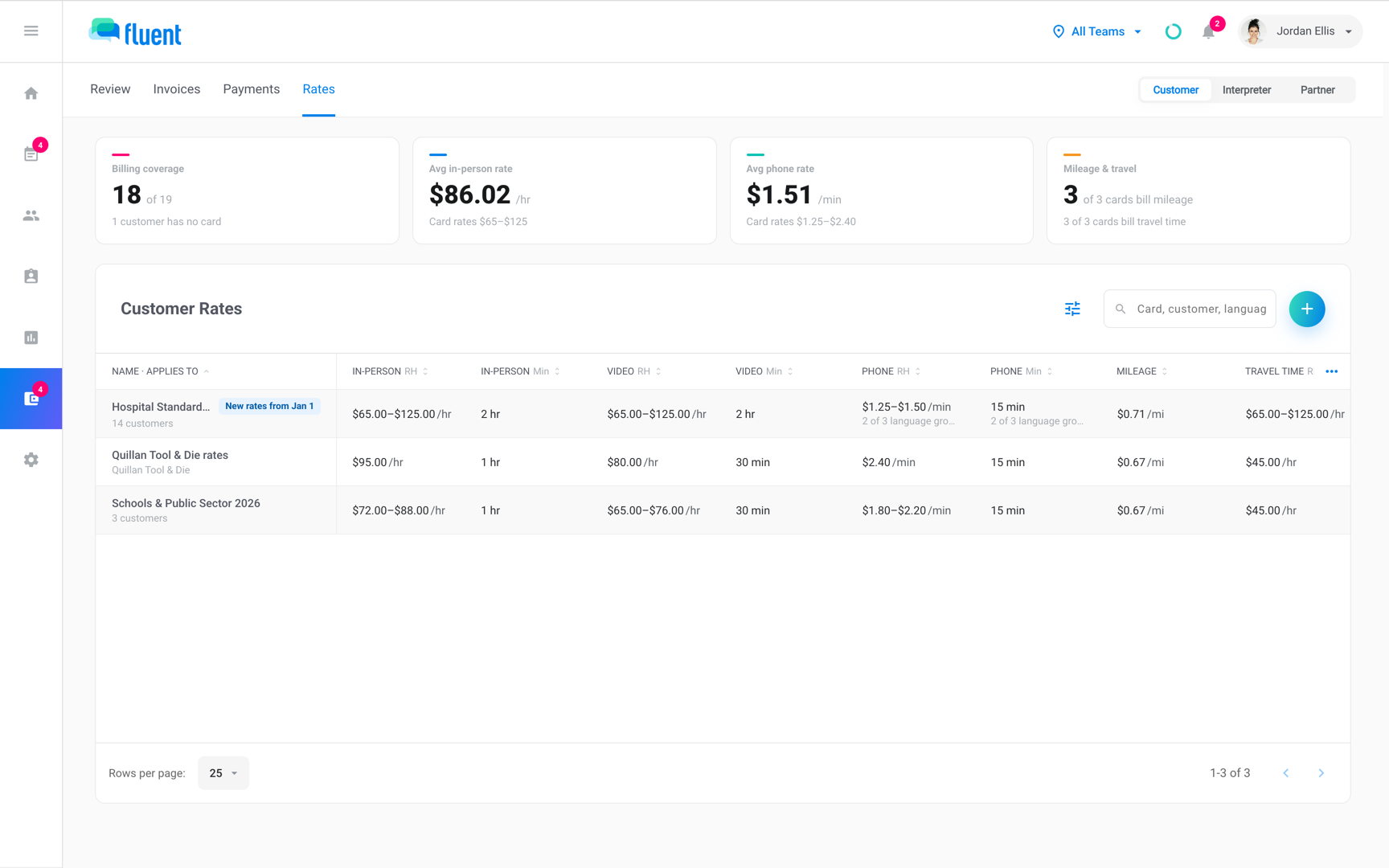
A rate card is the set of prices and billing rules Fluent uses to price an appointment. Fluent prices each appointment twice: once for the customer's invoice, and once for what you pay for the work. Each side reads its own rate card. Only Owners and Admins see rate cards, and they manage them in Billing.
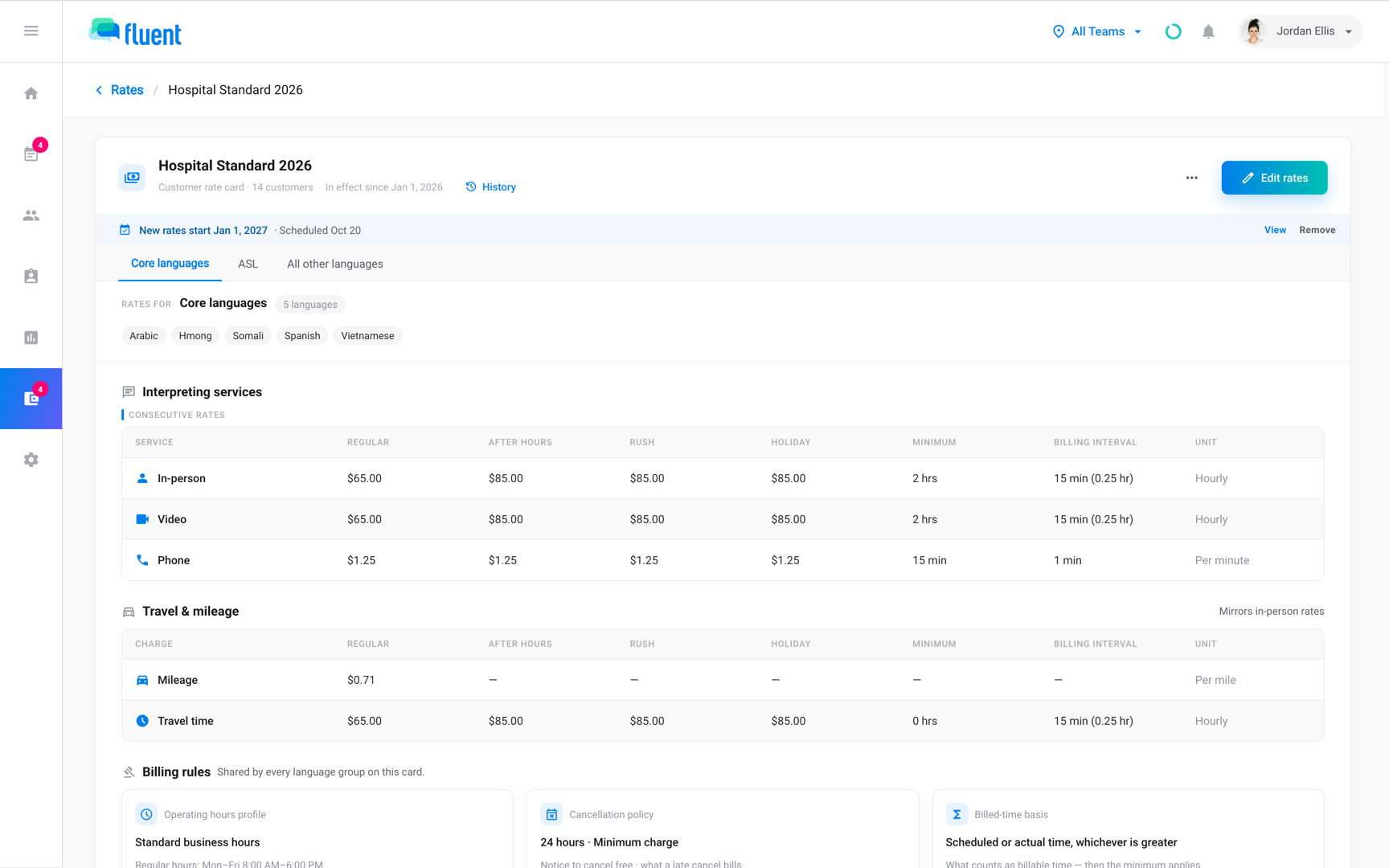
A rate card has a price for each service you offer: In-person, Video, and Phone. It can add After hours, Rush, and Holiday prices, and charge or pay for mileage and travel time. Its billing rules decide how Fluent counts time, such as rounding, and what a late cancel costs. See Billing rules.
Customer, interpreter, and partner rate cards
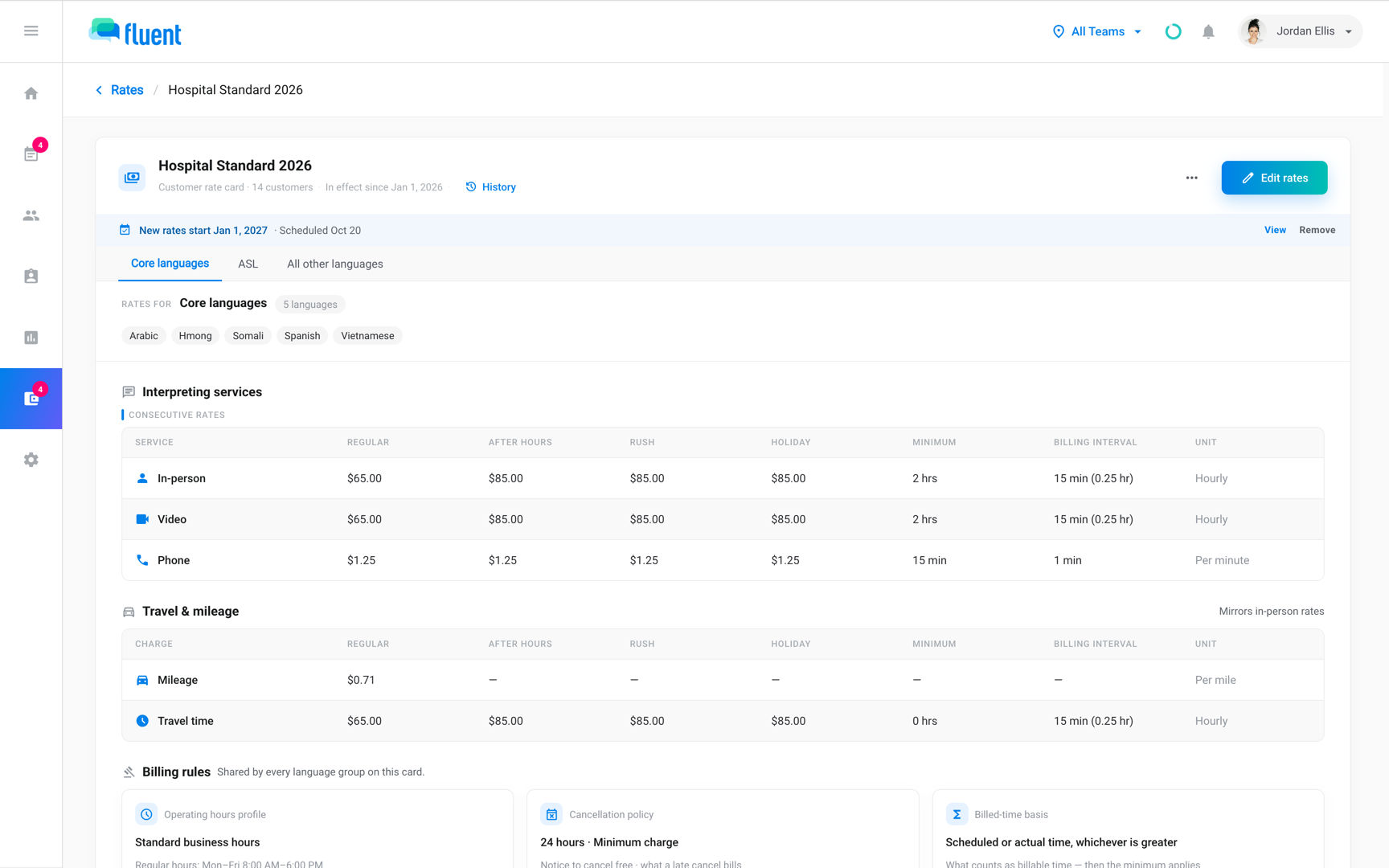
Fluent has 3 kinds of rate card, one for each party you bill or pay.
- Customer rate cards: They set what you invoice a customer, with prices for each language group. See Customer rate cards.
- Interpreter rate cards: They set what you pay an interpreter, for every language pair on the interpreter's profile. See Interpreter rate cards.
- Partner rate cards: They set what a partner agency charges you for its interpreters' work. See Partner rate cards.
Each customer and each interpreter is on 1 rate card at a time. Customers who pay the same prices can share one, and so can interpreters paid the same rates.
Important: A change to a shared rate card changes the prices for everyone on it.
How Fluent picks a price
For each appointment, Fluent finds 2 rate cards: the customer's, and the interpreter's or their partner agency's. From each, it uses:
- The version: the one in force on the appointment's date.
- The prices: those for the appointment's language and service.
- After hours, Rush, and Holiday prices: when the rate card's billing rules and your holiday calendar say they apply.
When prices change
A rate card keeps every version of its prices. A change starts on a date you pick, and work before that date keeps its prices.
- Open invoices and draft pay runs: Fluent re-prices the ones a change reaches.
- Closed invoices and pay runs: a change dated in the past can reach them too. They keep what they billed or paid, and Fluent records the difference for you to answer.
See Correct a closed invoice and Correct a closed pay run.
When Fluent can't price the work
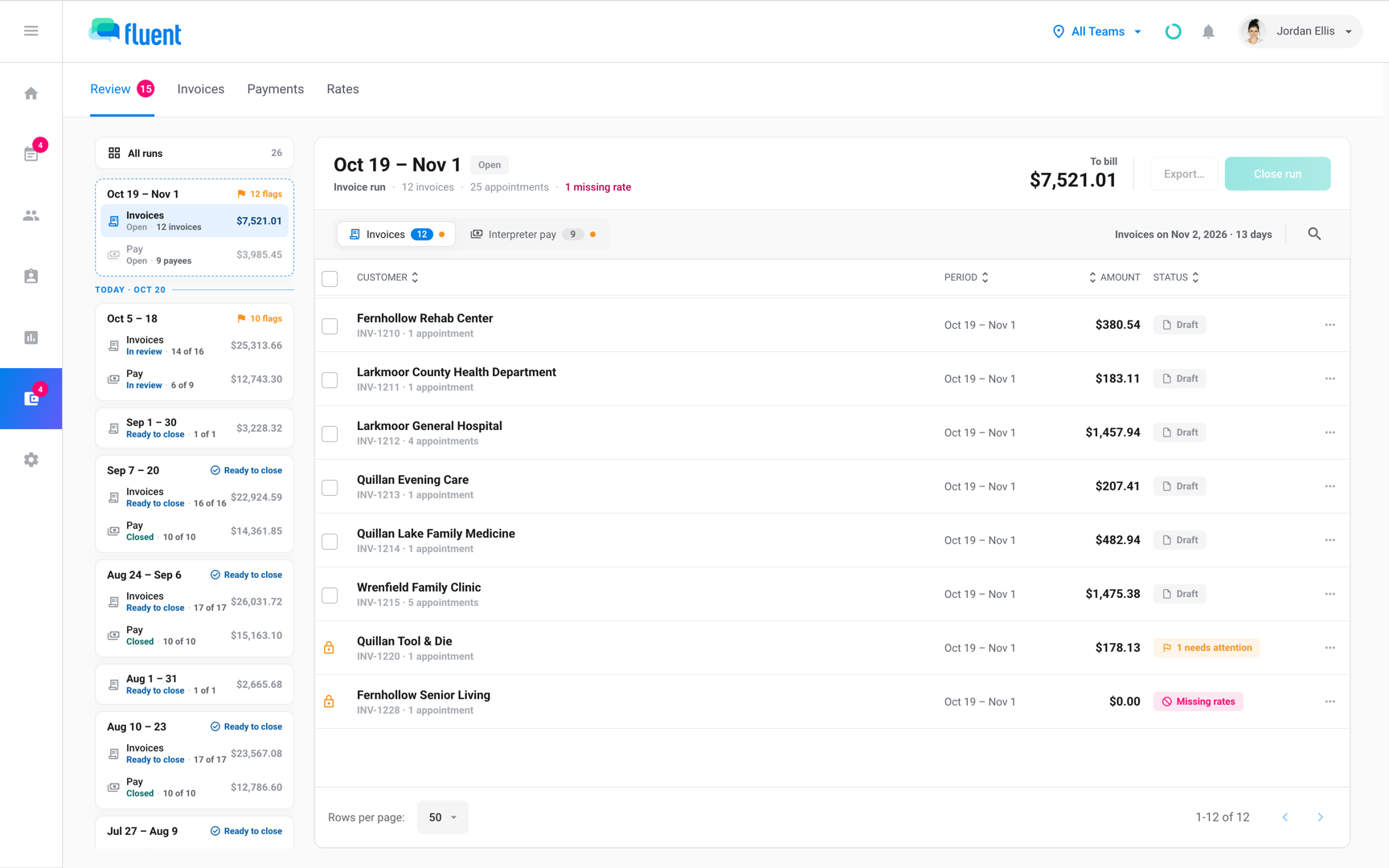
Fluent never prices work from a default or agency-wide price. Until a rate card covers the work, billing shows Missing rates.
Missing rates shows when:
- No rate card in force: either side has no rate card in force on the appointment's date.
- No price: a rate card has no price for the appointment's language, service, or simultaneous interpreting.
- No operating hours profile: the rate card prices nothing.
What a gap holds depends on its side:
- Invoice side: holds both the invoice and the pay.
- Pay side: holds only the pay, and Fluent still invoices the customer.
See Fix Missing rates.
Set up rate cards
Set up rate cards in this order, so each one has what it needs.
- Create at least 1 operating hours profile, because every rate card uses one. See Operating hours.
- Check the defaults that new customer and interpreter rate cards start with. See Agency defaults and holidays.
- Set up a rate card for each customer, or one that several customers share. See Customer rate cards.
- Set up rate cards for your interpreters. See Interpreter rate cards.
- If you assign interpreters from partner agencies, set up each partner's rate card from a pay run that holds its work. See Partner rate cards.
- Fix any work that shows Missing rates. See Fix Missing rates.