
Troubleshoot sign-in
Fixes for the most common sign-in problems, with the exact messages Fluent shows on the web app, in the mobile app, and in email.
What you'll learn
- What each sign-in message means, and how to get back into Fluent when you can't sign in.
Password and account messages
These show on the sign-in page after you enter your password.
"Invalid Credentials"
The email or password is wrong, or you never accepted your invite. The mobile app says "Invalid email or password."
- Use the email address your invite or signup went to.
- If you never accepted your invite, click Accept invite in the invite email.
- Otherwise, reset your password with Forgot password?.
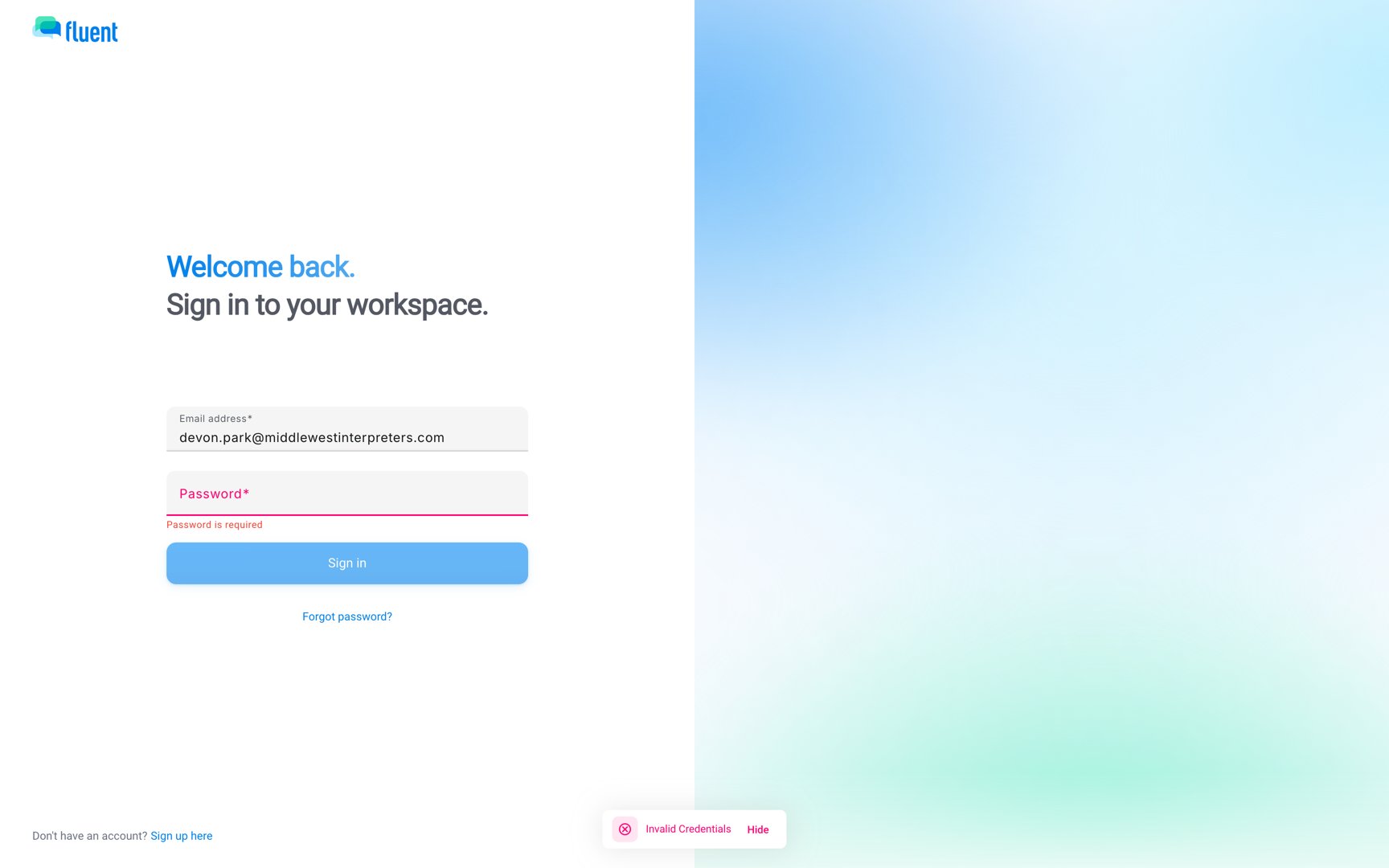
"Your account is temporarily locked. Please try again in a few minutes."
8 wrong passwords in a row lock sign-in for 5 minutes. Wait, or reset your password with Forgot password? to end the lock now.
"Too many invalid password attempts. The password on this account needs to be reset."
You entered 10 wrong passwords in a row. Reset your password with Forgot password? on the sign-in page.
Important: The Reset password button in the "Your account has been locked" email opens the sign-in page instead. Click Forgot password? there.
"Your account has been deactivated. Please contact your administrator."
Fluent deactivated your account. Contact support to restore it.
"Your organization's subscription is inactive. Please contact your account owner."
Your agency's Fluent subscription is neither active nor in its Free Trial. Everyone at your agency except its Owner is blocked, interpreters included.
Ask the Owner to go to Settings › Subscription.
"This app is for agency teams and interpreters. Sign in with an agency or interpreter account."
The mobile app is for agency team members and interpreters, and your account has only organization roles. Use the web app at app.fluentworks.com.
Two-factor messages
Fluent texts you a 6-digit code on a device it doesn't trust yet. If the code never arrives, see Two-factor authentication.
"We couldn't verify that code. Enter the 6-digit code we sent or tap Resend code."
The code is wrong or expired. Enter the code from the newest text, or click Resend code.
The mobile app says "We couldn't verify that code. Please try again."
"SMS verification is temporarily unavailable. Please try again later or contact support."
Fluent couldn't send the text. Wait a few minutes and sign in again.
The mobile app says "We couldn't send your verification code. Try again in a few minutes."
Invite and reset links
Links in invite and reset emails stop working after a set time.
"Invitation not available."
The invite link is over 30 days old, was revoked, or was already used.
- You already created your account: sign in instead.
- You haven't: ask the person who invited you for a new invite.
I didn't get the reset email
Fluent shows "Password reset email sent." even if no account uses that address, so check the email you entered. Then look in spam and quarantine for "Password reset for Fluent (expires in 15 minutes)" from no-reply@fluentworks.com.
After you sign in
Fluent can still stop you on the agreements screen after your password and code.
I can't click Agree and continue
With the checkbox on, the button stays off until your agency's Owner accepts the current Master Subscription Agreement and Privacy Policy. Ask them to sign in on the web app and accept the agreements.
Signed out unexpectedly
Fluent signs you out after a while without activity. A password reset, password change, or email change also ends your other sessions.
"Looks like you may have stepped away."
The web app signs you out after 15 minutes without mouse activity, after a 30-second warning. Move the mouse to stay signed in.
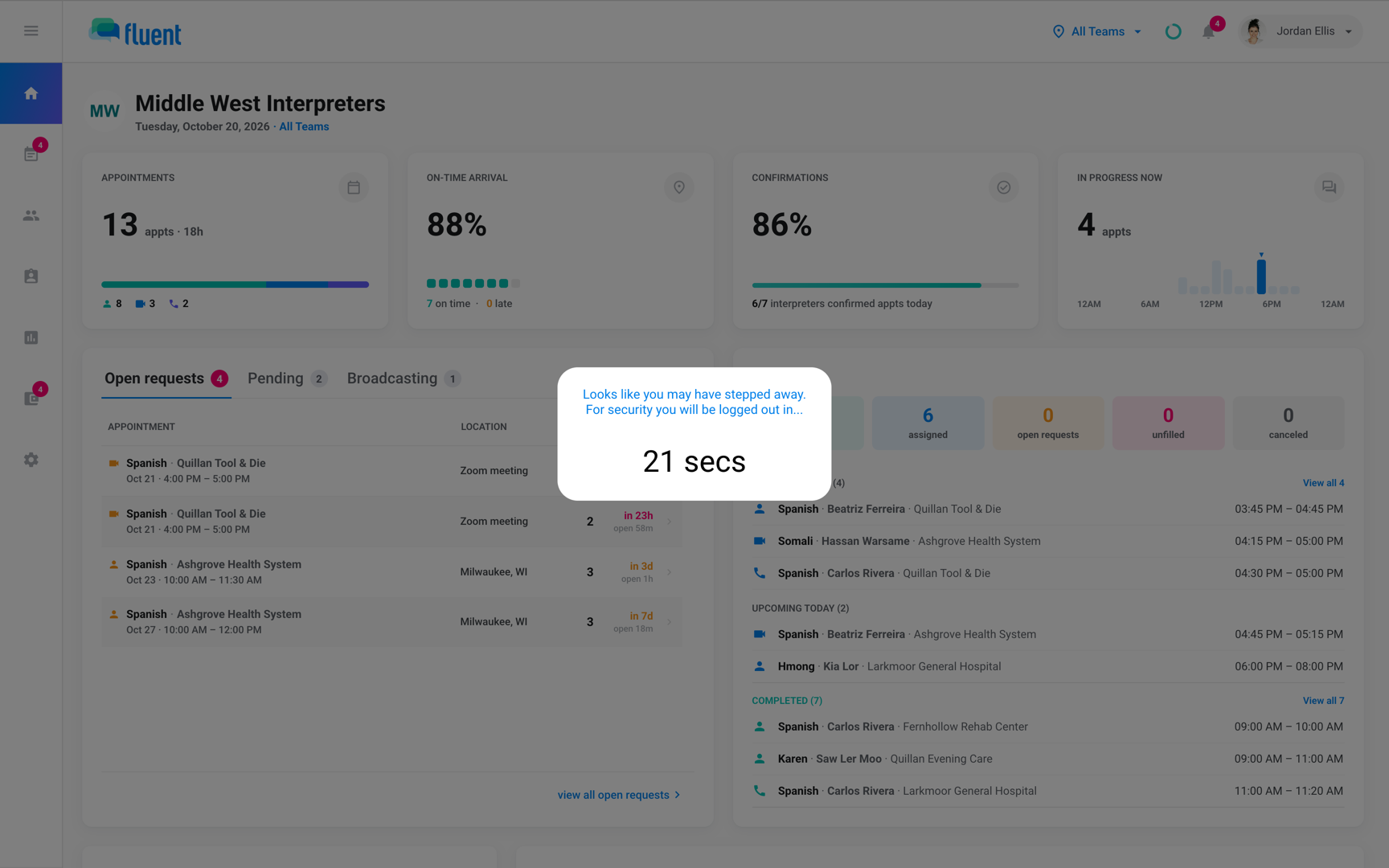
"You've been inactive for a while"
The mobile app signs you out after 5 minutes without activity. It also signs you out after more than 5 minutes in the background, and each time you close and reopen it. You keep getting offer notifications while it's signed out this way. Sign Out in the side menu stops them.
If you think someone else signed in
Take these steps when you see a sign-in or account change you didn't make.
Someone signed in as me
- Reset your password with Forgot password? on the sign-in page. The reset ends your sessions on other devices, Face ID included.
- Go to Settings › Login & Devices and click Sign out next to any device you don't recognize.
- Contact support.
I got a security email I didn't expect
"Your Fluent password was changed", "Email change requested on your account", or "Two-factor authentication updated" means someone with your password made or requested the change.
- Don't confirm an email change. Without your confirmation, it doesn't happen.
- Reset your password. The password email has a Reset password button.
- Contact support.
If none of these match
Contact support and include:
- The email you sign in with
- The workspace name
- Whether it happened on the web app or in the mobile app
- The exact message you see, in quotes